Business email.
On your own server.
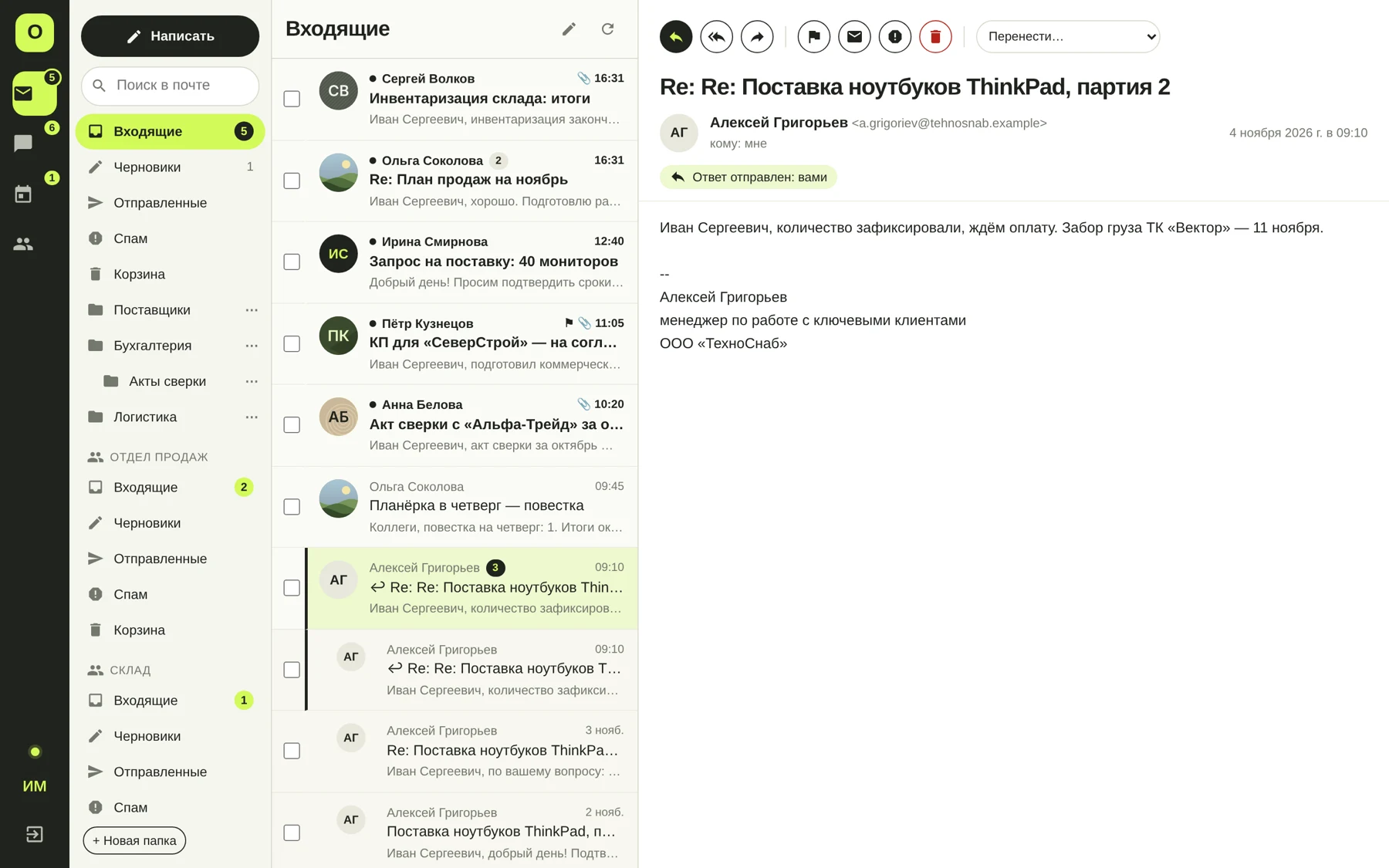
OmniMailing runs in your company infrastructure, bringing email on your domain, shared mailboxes, calendars and team communication together. You manage the server that stores your data.
When your company needs on-premise email
Choose this approach when you want to decide where data is stored, manage employee access and operate your work system in your own infrastructure.
Email on your domain
Employee addresses, shared info@ and sales@ mailboxes, aliases, attachments, search, rules and automatic replies.
Ways to connect
Use the web interface or Windows and Android apps. Email clients connect via IMAP/SMTP, with CalDAV/CardDAV for calendars and contacts.
Operational control
Manage mailboxes, quotas, certificates, the mail queue and backups in the administration panel.
Prepare for deployment
Choose the server and storage
OmniMailing runs as a Windows service. Size the system using user count, existing email volume, expected file growth and workload. No separate database server is required.
Prepare the domain and network
External email needs correct DNS records, a TLS certificate and reachable mail services. Configure outbound delivery directly or through a relay. Check the necessary ports.
Choose how people sign in
Create mailboxes manually or connect Active Directory and manage employees through a group. Shared and service addresses work alongside personal mailboxes.
Configure backups
Choose separate backup storage, a schedule and retention periods. Copies include data and settings. Test recovery and the update procedure before production use.
Verify your workflows
Test external delivery and receipt, the email clients you use, shared addresses and meeting invitations. Agree how existing data will be moved before switching the company.
Email connects with team work
The same system includes files, shared folders, chat and video calls for up to 5 participants. Employees can handle related tasks in one system.
Clear licensing terms
A perpetual server licence for your chosen number of users. Updates and support are included for the first year. Renewal is optional from year two; the purchased version continues to work.
See the mail server in action.
Tell us how many employees you have, where email is hosted today and whether you use Active Directory. We will discuss your deployment scenario during the demo.